The Worker Model: Choosing Where AI Work Runs
A routing model for AI work across always-on agents, terminal agents, background desktop workers, and automation workflows.
Part 14 of the series: Building The Hub
The more I built The Hub, the less useful the word “agent” became on its own.
Nightcrawler is an agent. A CLI coding session is also agentic. A background desktop worker can be agentic. An n8n workflow exposed through MCP can look like an agent tool from the outside. These things are related, but they should not all have the same permissions, runtime, or expectations.
Once Mission Control made the work visible, I needed a second question:
Where should this work run?
That question became the worker model.
Why one runtime is not enough
It is tempting to imagine a single all-powerful agent that can read everything, edit everything, browse the web, run commands, call APIs, and keep itself scheduled. That is a great demo. It is also a bad operating model.
Different kinds of work have different risk profiles.
A birthday reminder should be always-on, quiet, and low risk. A code migration should run in a terminal with tests and git history visible. A browser verification task needs a desktop surface. An OAuth-backed API action should happen in a credential-isolated workflow system. If all of those run in the same place with the same permissions, the system becomes hard to secure and harder to trust.
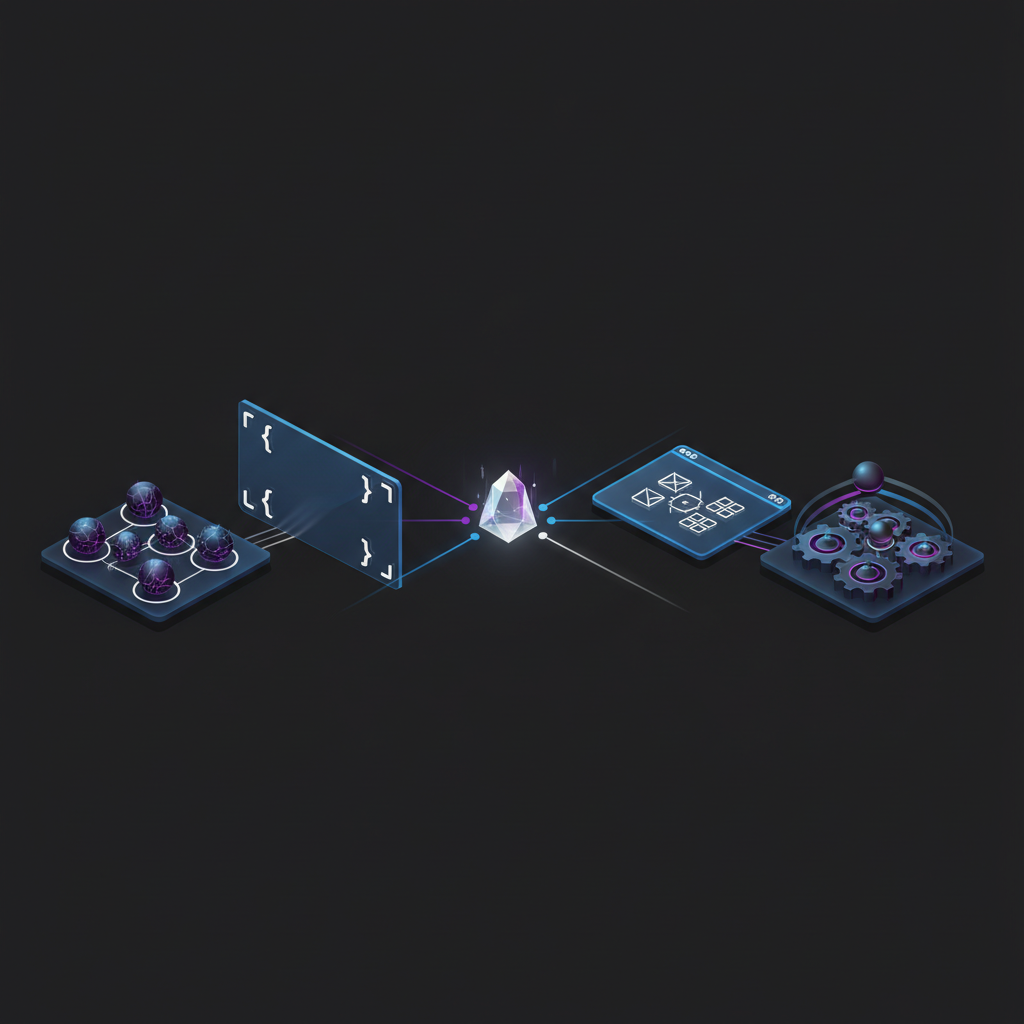
So I stopped thinking about agents as one category and started thinking about workers as tiers.
Tier 1: Hub agents
The first tier is the always-on Hub agents: Nightcrawler, Gideon, JARVIS, SAGE, and the rest of the cast.
These agents are persistent. They have names, roles, memory, and scheduled duties. They are the ones that wake up on a heartbeat and notice things. They can read curated Hub context and talk to me through chat. They are good at monitoring, summarizing, reminding, classifying, and making recommendations.
But they are intentionally constrained.
They do not need broad shell access. They do not need arbitrary repository write access. They do not need to browse the entire internet. Their value comes from being present and context-aware, not from having maximum power.
That constraint is what makes them comfortable to keep running. A proactive agent should be able to tap me on the shoulder. It should not be able to rewrite production code while I am asleep.
Tier 2: CLI agents
The second tier is the coding-agent shape: a CLI session with filesystem access, git, tests, package managers, and local tools.
This is where serious implementation work belongs. Refactors, migrations, dependency upgrades, debugging sessions, blog post edits, PR reviews, and anything that needs a real development loop.
The tradeoff is supervision. A CLI agent is powerful because it runs near the code and can execute commands. That means it should run when I am actively working with it, reviewing its choices, and able to stop or redirect it.
This tier is not worse than the always-on agents. It is just a different shape. Tier 1 notices and frames work. Tier 2 changes code.
The distinction is useful in practice. If JARVIS finds a stale pull request during a morning scan, that does not mean JARVIS should merge it. It means JARVIS should surface it. A CLI worker can then inspect the diff, run the build, and do the merge with a proper audit trail.
Tier 3: cowork and dispatch workers
The third tier is background work running on my desktop environment. I think of this as the cowork or dispatch tier.
This is the strange middle ground between an always-on chat agent and an active terminal session. It can run with richer local context than a remote container. It can use desktop-adjacent tools. It can keep working while I switch tasks. It is useful for work that needs the machine I am on, but not necessarily my constant attention.
Examples include browser verification, local preview checks, longer writing passes, or multi-step project work where the worker needs to coordinate across files, tools, and a visible UI.
This tier has a practical constraint: the machine has to be awake and reachable. That sounds obvious, but it matters. A worker model is not just about software capability. It is about operational reality. A perfect runtime that is asleep when the task is due is not a runtime.
Tier 4: FOUNDRY
The fourth tier is FOUNDRY, my automation layer.
FOUNDRY is not where reasoning belongs. It is where hands belong. API calls, OAuth credentials, scheduled workflows, webhooks, transformations, and integration glue all live there. Agents should call clear tools. FOUNDRY should handle the messy details of talking to external systems.
This gives me a clean boundary. An agent can decide that a task should be created. FOUNDRY owns how that task gets created. An agent can ask for podcast metadata. FOUNDRY owns the workflow that fetches it, stores it, and returns a clean result.
Credential isolation is the big win. I do not want every agent runtime to know every external-service credential. I want one automation layer with credentials, audit history, and workflow-level debugging.
Routing work
The worker model becomes useful when it turns into routing rules.
If the task is recurring, low risk, and advisory, it probably belongs to a Hub agent.
If the task changes code or content, it probably belongs to a CLI agent.
If the task needs a local browser, desktop context, or long-running supervised work, it probably belongs to the cowork tier.
If the task touches external APIs or credentials, it probably belongs in FOUNDRY, exposed as a tool.
These are not hard laws. They are defaults. The point is to make the first choice obvious and the exception intentional.
The nicest effect is that it reduces anxiety. When a new idea comes in, I no longer ask “which agent should do this?” in the abstract. I ask what kind of work it is. Monitoring, editing, verifying, integrating. The runtime follows from the shape of the work.
Permissions follow responsibility
The worker model also gives permissions somewhere to live.
Always-on agents get narrow access because their responsibility is presence. CLI agents get broader access because their responsibility is implementation under supervision. Cowork workers get desktop-oriented capabilities because their responsibility is local interaction. FOUNDRY gets credentials because its responsibility is integration execution.
That sounds obvious when written down, but it is easy to lose without a model. Personal systems grow through convenience. You add one permission for one feature, then another for the next feature, and eventually every component can do everything because it was faster that way.
The worker model pushes back against that drift.
What this unlocks
Mission Control answers what is happening. The worker model answers where it should happen. Together, they make agent operations feel less magical and more manageable.
A GitHub issue can describe a piece of work. Mission Control can show that it exists. The worker model can say whether it should be handled by an always-on agent, a CLI session, a desktop worker, or a FOUNDRY workflow. The result is not just more automation. It is better delegation.
That is the thing I keep coming back to with The Hub. The goal is not to make one giant agent that does everything. The goal is to build a small operating system for attention and action, where each worker has a job, a boundary, and a reason to exist.
Once I had that model, the next bottleneck became obvious.
If agents and workers are going to keep running more of my personal workflows, I need inference that is fast, local, and cheap enough to become infrastructure.
That is where Perceptor enters the story.