Building This Blog (With the Tools It Describes)
The meta post -- how this blog was built in a single session with Astro 5, AI-generated images, automated fact-checking, and Firebase preview deploys.

Part 12 of the series: Building The Hub
You are reading a post that was written using the same tools it is about to describe. The blog you are looking at was designed, built, populated, and fact-checked by a pipeline that did not exist three days before the first post went live. This is that story.
One session, one blog
The entire blog was scaffolded in a single Claude Code session. Astro 5, Tailwind CSS, MDX content collections, dark mode with an anti-FOUC script, card-based layout inspired by the tech blogs I actually read. The kind of session where you describe what you want, iterate on the details, and end up with a working site before your coffee gets cold.
Astro was the obvious choice. Static site generation, content collections with frontmatter validation, MDX support for when I need components in posts, and a build output that is just HTML and CSS — no JavaScript runtime shipping to the browser unless I explicitly opt in. For a blog that is mostly long-form text with images, the performance characteristics are exactly right.
The dark mode implementation has a detail worth mentioning. The anti-FOUC (Flash of Unstyled Content) script runs inline in the <head> before any CSS loads. It checks localStorage for theme preference, falls back to system preference, and applies the right class before the browser paints anything. Without this, dark mode users would see a white flash on every page load. Small thing, but it matters.
Content collections and series support
Astro’s content collections gave me typed frontmatter validation out of the box. Every post has a schema: title, description, pubDate, author, tags, and — critically — series and seriesOrder fields. These power the “Building The Hub” series navigation that lets you read posts in order and see where you are in the sequence.
The series support was not an afterthought. From the first post in this series, I knew this would be a chronological story of building a system. Posts needed to be readable standalone but also navigable as a series. The frontmatter fields make this trivial to query and render.
The image generation pipeline
Every post needs images — a hero image for the card layout and social previews, plus in-post images to break up long technical content. Generating these by hand would be tedious. So I built a two-step pipeline.
Step 1: The /blog-images command. This is a Claude Code custom command that reads a blog post, analyzes its content, identifies where hero and in-post images would add value, and writes detailed generation prompts. The output is a JSON manifest file that describes each image: filename, dimensions, placement, alt text, and a prompt engineered for visual consistency.
The hero image prompts follow a strict style system. Every hero in the “Building The Hub” series shares the same visual DNA: dark charcoal background, glowing accent colors, 3D rendered objects, cinematic Hasselblad camera aesthetic with f/1.8 depth of field, subtle particle effects. This creates visual consistency across the series without making every image look the same. In-post images are free-form — they match the specific topic rather than the series style.
Step 2: npm run generate-images. A script reads the manifest and generates images via the Gemini API. It writes PNGs directly to the public/images/blog/ directory, rate-limited with a 5-second delay between requests to respect API quotas. Run it once, and the blog post has all its images.
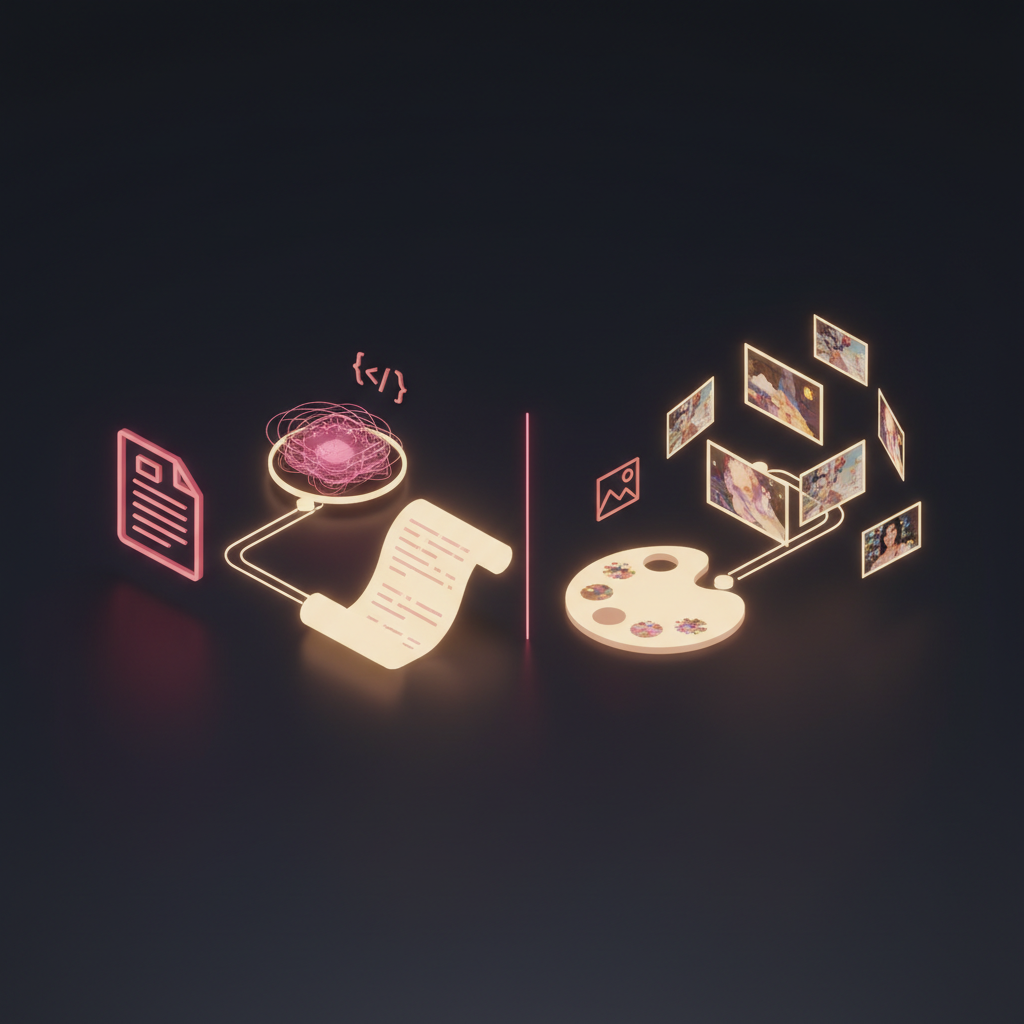
The style system was informed by actual research. I studied Google’s blog image patterns — how they use consistent color palettes, abstract 3D renders, and branded visual language across their engineering blog. The goal was not to copy their style but to understand why their blog images work visually and apply those principles to my own aesthetic.
The fact-checker
This blog has a privacy problem by design. I am writing about real infrastructure, real services, real agent systems. The posts need to include enough technical detail to be interesting and useful, but they cannot leak information that would compromise security. No real IP addresses, no container IDs, no domain names, no Firebase project IDs, no service account paths.
The guardrails are codified in BLOG_WRITING_RULES.md — a set of hard rules about what can and cannot appear in a post. Homelab codenames like Cybertron and Nightcrawler are fine. The actual IP address of the Proxmox host is not. Describing “a dedicated container” is fine. Saying which LXC number it runs on is not.
Two tools enforce these rules:
A custom Copilot coding agent that can review posts against the rules as part of the GitHub PR workflow. It flags violations at three severity levels: BLOCK (must fix before merge), REVIEW (verify this is intentional), and SUGGESTION (optional improvement).
The /blog-review command in Claude Code that runs the same checks locally before I even push. This catches most issues before they become PR comments. The feedback loop is tight: write, review, fix, push.
The severity levels matter because not every mention of infrastructure is a leak. Saying “I use Firebase Hosting” is fine — it is a public service. Saying the specific Firebase project ID is not. The REVIEW level exists for these judgment calls.
Firebase preview deploys
Every pull request gets a Firebase preview deploy. Push a branch, open a PR, and within minutes there is a preview URL where I can see exactly how the post will look on the live site. Typography, images, dark mode, series navigation — all visible before merge.
This might sound like overkill for a personal blog. It is not. Blog posts are visual artifacts. The difference between reading a post in your editor and reading it rendered with proper fonts, spacing, and images is significant. Preview deploys catch layout issues, missing images, and broken links that would be invisible in a markdown preview.
Season 1: the backdated sprint
The blog launched with nine posts covering January and February 2026. These were written in a concentrated sprint — backdated to match the actual timeline of when each system was built, but written with the benefit of hindsight.
This was a deliberate choice. I wanted the blog to tell the story from the beginning, not start mid-stream. The first post covers setting up the Obsidian vault. The ninth covers deploying three agents on a single container. Reading them in order gives you the full arc of how The Hub evolved from an empty directory to an autonomous multi-agent system.
The backdating means the technical details are accurate to when the work happened, but the writing reflects what I know now. Some posts are more polished than earlier journal entries would have been. That is the trade-off, and I am comfortable with it.
The blog as a Hub project
The blog itself is tracked in The Hub like any other project — GitHub repository, issues for planned posts, milestones for content batches, Dependabot watching for dependency updates. It has its own project directory in the Hub vault with links to the repo, deploy status, and content pipeline documentation.
This is the recursive part. The Hub tracks the blog. The blog describes The Hub. The tools that build the blog are documented in the Hub. The agents that could eventually help draft posts are described in earlier blog posts. It is not turtles all the way down, but it is at least two or three turtles deep.
What I learned
Building a blog is not interesting. Everyone has a blog, or had one, or plans to start one. What made this one worth writing about is the pipeline around it.
The image generation system means I never skip images because they are too much work. The fact-checker means I never accidentally publish something I should not. The preview deploys mean I catch visual issues before they go live. The series support means posts connect into a larger narrative.
None of these are technically impressive in isolation. A manifest file, a generation script, a markdown linter, a Firebase hosting config. But together, they remove enough friction that writing becomes the bottleneck — not the tooling around it.
And for a blog about building developer tools, having the blog itself be a well-tooled system feels appropriate. If you are going to write about reducing friction, your own writing process should not be full of it.
This post was written using the /blog-images command to generate its image manifest, reviewed with /blog-review for privacy compliance, and deployed via a Firebase preview channel for visual testing. The same pipeline, all the way down.