Day Zero: Building a Second Brain
How a Marvel-themed Obsidian vault, a GitHub connection, and a 10-weekend AI challenge kicked off the system that became The Hub.

Part 1 of the series: Building The Hub
Every system has a day zero. For The Hub, that day was January 4th, 2026 — a Sunday afternoon in Zwolle where I sat down with a fresh Obsidian vault, a cup of coffee, and a vague idea that I wanted to organize my professional life better.
By the end of that day, I had something much more interesting.
The problem with private knowledge
I have been a frontend developer for over ten years. In that time, I have accumulated a sprawling collection of notes, bookmarks, snippets, config files, and half-finished documentation spread across Notion, Google Docs, random markdown files, and my own memory. The usual developer chaos.
The trigger was simple: I switched projects at work and realized I could not find my own notes on a tooling setup I had documented just months earlier. That is a solvable problem, and I decided to solve it properly.
Starting from structure
I opened a blank Obsidian vault and started with the folder structure. This might sound boring, but if you have ever tried to retrofit organization onto an existing mess, you know that starting clean is a luxury worth taking.
The structure I landed on:
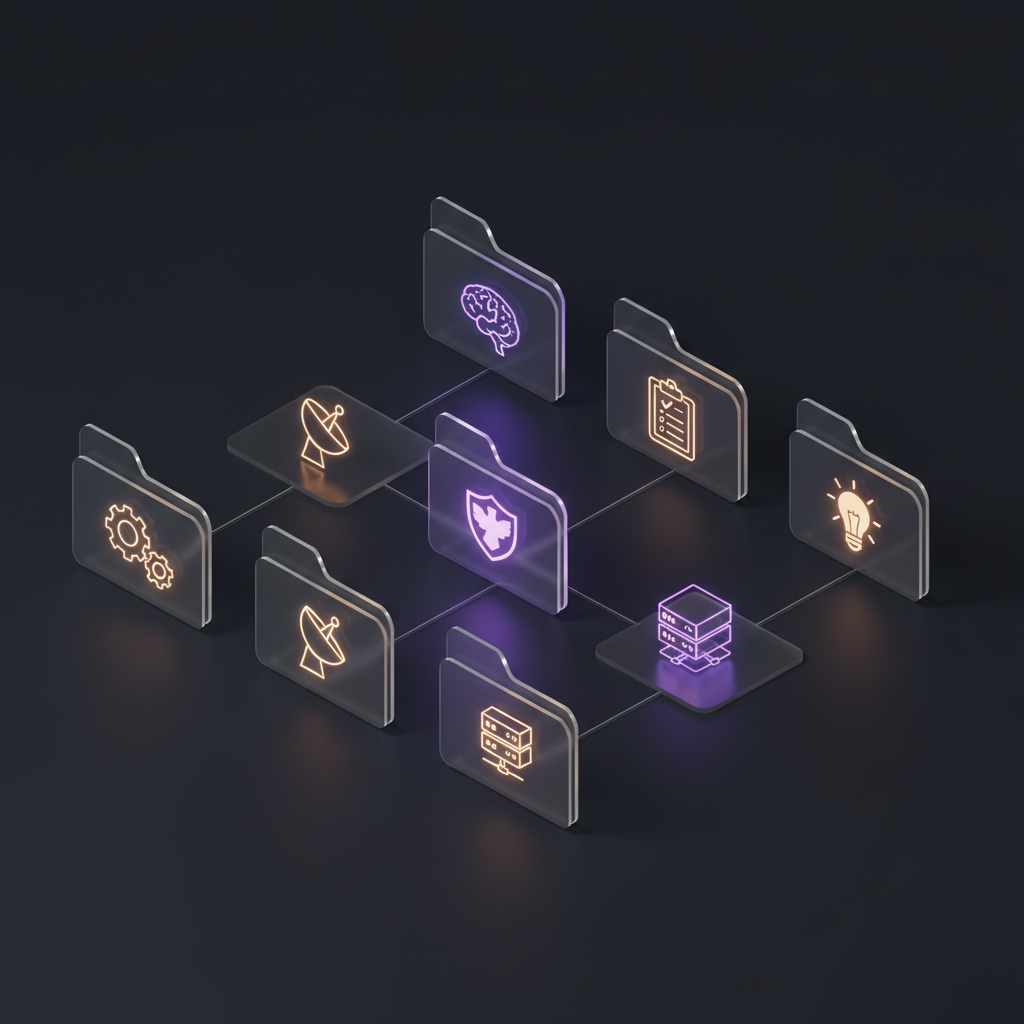
- About/ — Professional context, dev setup preferences, communication patterns
- Projects/ — Active project tracking and documentation
- Sessions/ — Daily logs of what I worked on (timestamped, resumable)
- Agents/ — AI tools, MCP servers, and automation configs
- Homelab/ — Infrastructure documentation for my home server setup
- Output/ — Generated artifacts (git-ignored, so the vault stays clean)
- Inbox/ — Temporary processing zone for quick captures
Each folder has a clear purpose, and nothing overlaps. That sounds obvious, but getting there took real thought about how I actually work versus how I think I work.
The S.H.I.E.L.D. connection
I should explain the name. The Hub is a reference to Marvel’s Agents of S.H.I.E.L.D. — a show I have watched more times than I care to admit. In the show, The Hub is S.H.I.E.L.D.’s central operations facility: the place where information flows in, gets processed, and becomes actionable intelligence.
That is exactly what I wanted: a central operations point for my professional life. Information comes in from work, side projects, learning, and daily interactions. It gets structured, connected, and made actionable. The Marvel theming was not planned — I added a S.H.I.E.L.D. banner to the README, referenced the show in the docs, and suddenly the whole thing had an identity.
Having a theme might seem frivolous, but it matters more than you think. It makes the system feel like a project worth maintaining rather than just another organizational attempt that will be abandoned in three weeks.
Connecting to GitHub
The first real technical decision was connecting the vault to a private GitHub repository. Obsidian is great for local editing, but I wanted version history, the ability to reference my docs from CI pipelines and AI tools, and a proper backup strategy.
This turned out to be more consequential than I expected. Once your knowledge base is in a Git repo with structured markdown, it becomes machine-readable. AI assistants can consume it. Automation can reference it. Your documentation becomes a living API for your own professional context.
I spent that afternoon documenting everything: my current work context at my employer, the CLI tools I use daily, my network topology for the homelab, Slack channel patterns, even my communication preferences. Not because I would forget these things, but because I wanted to be able to hand this context to an AI assistant and have it understand how I work.
The 10-Weekend AI Resolution
The same week I started The Hub, I joined what was called the “10-Weekend AI Resolution” — a structured program with a simple premise: build real AI workflows every weekend for ten weeks, and by the end, you should have practical tools you will still be using six months later.
The program was scored. Each weekend had deliverables, metrics, and peer accountability. It was not a course or a tutorial — it was a forcing function for actually shipping things instead of just reading about AI capabilities.
I liked the philosophy: no hypothetical use cases, no “imagine if you could” hand-waving. Build something real. Use it. Evaluate whether it actually saved you time or improved your output. If it did not, learn from that too.
This challenge became the engine that drove The Hub’s early development. Each weekend pushed me to add something concrete: test a new model, automate a workflow, build a tool. The Hub became both the documentation system for this work and, increasingly, the platform it ran on.
AI as amplifier, not replacement
One thing I want to be clear about from the start: my philosophy with AI is that it is a force multiplier for human expertise, not a replacement for it.
I have seen developers fall into two camps. Some dismiss AI tools entirely and refuse to engage with them. Others over-delegate to AI and stop thinking critically about their output. Both positions miss the point.
The approach I settled on is treating AI as a very capable junior developer who happens to have read every Stack Overflow answer ever written. It can draft, research, scaffold, and iterate faster than I can. But it does not know my context, my constraints, or my taste unless I provide that information explicitly.
That is what The Hub’s About/AI-Context.md file is for. It tells AI assistants: here is my expertise level (senior, do not oversimplify), here are my preferences (direct communication, conventional commits, no emoji), here is what I am working on. Every AI interaction starts from a shared understanding rather than a cold start.
What came out of day zero
By the end of January 4th, I had:
- A structured Obsidian vault connected to GitHub
- Professional context documented in machine-readable markdown
- A folder convention that would scale as the system grew
- Session logging patterns for tracking daily progress
- A 10-weekend challenge to provide momentum
It does not sound like much. There is no code, no automation, no AI agent doing anything impressive. But every complex system starts with organization, and day zero was about getting that foundation right.
The next weekend, I would start testing AI models systematically — but that is the next post.
The takeaway
If you are thinking about building your own “second brain” or knowledge management system, here is my advice: do not start with the tool. Start with the structure. Figure out what categories of information you actually produce and consume, design folders and naming conventions around those categories, and only then pick a tool that fits.
Obsidian worked for me because it is local-first, markdown-based, and plays well with Git. But the structure I built would work just as well in a repo full of plain text files. The tool is less important than the system.
And if you can find a good TV show to theme it after, that helps too.