FOUNDRY: The Automation Backbone
How n8n became the shared automation layer for my AI agents, exposing integrations as MCP tools without agents needing to know about API credentials or plumbing.

Part 7 of the series: Building The Hub
By the time I had three agents running on a single container, a pattern was becoming obvious: agents are great at thinking, terrible at plumbing. Every time I wanted an agent to interact with an external service — task management, video platforms, calendar — I was looking at OAuth2 flows, API credentials, rate limiting, and error handling. That’s not what agents should be doing. Agents should be calling a tool called update-task and getting a result back. They shouldn’t care whether that task lives in Microsoft To Do, Todoist, or a spreadsheet.
That’s why I built FOUNDRY.
Why a separate automation layer
The temptation is to bake integrations directly into the agent runtime. Need to create a todo? Add an API client to the agent code. Need to check YouTube? Another API client. Before you know it, your agent codebase is 60% integration code and 40% actual agent logic.
Worse, every agent needs those same integrations. Three agents, each with their own copy of the Microsoft Graph API client? That’s a maintenance nightmare waiting to happen.
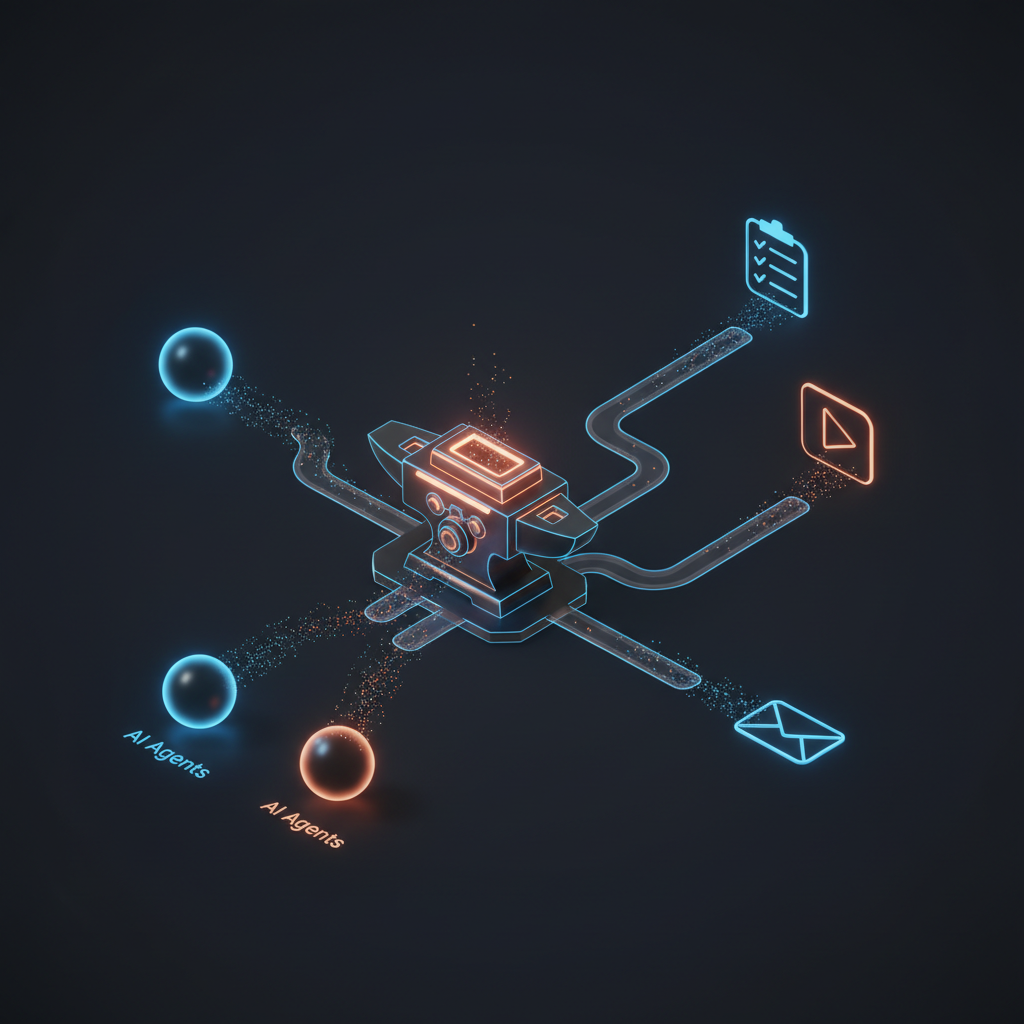
FOUNDRY is an n8n instance running on its own dedicated container — 2 CPU cores, 2 GB of RAM. n8n is a workflow automation platform, similar to Zapier or Make, but self-hosted and open source. The key insight is that n8n workflows can be exposed as MCP tools. An agent calls a tool, FOUNDRY executes the workflow, the agent gets the result. The agent never touches an API credential or an OAuth token.
If I need to change how the To Do integration works — different API version, different authentication method, different task list — I update the n8n workflow. The agents keep calling the same tool with the same interface. Integration changes stay contained.
Microsoft To Do: the first integration
The first real integration was Microsoft To Do. I wanted Nightcrawler to be able to create, read, and update tasks when processing captures. “Buy groceries” in a capture should become a todo, not just a note in a markdown file.
Setting this up required an Azure AD app registration with the right permissions: task read/write access through the Microsoft Graph API. The OAuth2 consent flow was the first real headache. n8n needs to open a browser for the OAuth2 callback, but FOUNDRY runs on a headless container in my homelab. No browser, no GUI.
The workaround: SSH tunnel. Forward the n8n port from the container to my Mac, open the OAuth2 consent URL locally, complete the flow, and the callback hits n8n through the tunnel. Not elegant, but it works for a one-time setup.
Once authenticated, I built five MCP tools: list task lists, get tasks, create task, update task, and complete task. Each tool is an n8n workflow with an MCP trigger node that exposes it to the agents via FOUNDRY’s MCP server.
Then came the silent bug.
The bug that wasted weeks
For about three weeks, task updates were silently failing. I could create tasks fine, but updating a task’s status or adding content to its body did nothing. No errors, no warnings. The API call succeeded, the response looked normal, and the task just… didn’t change.
The culprit was a property name mismatch in the n8n node configuration. The Microsoft To Do node in n8n uses updateFields as the property name for fields you want to modify on an existing task. But somewhere in my workflow setup, the node was configured with additionalFields instead — a property name used by other n8n nodes for different purposes.
n8n didn’t complain. The node accepted the configuration, made the API call, and returned success. It just quietly ignored the fields it didn’t recognize. Status changes, content updates, due date modifications — all silently dropped on the floor.
This is the kind of bug that erodes trust in a system. For weeks, I’d ask Nightcrawler to update a task and assume it was done. It wasn’t. The fix was a one-line property rename, but finding it required stepping through the n8n node source code to understand exactly which property names it expected.
Lesson learned: when an integration “works” but nothing actually changes, check the field names. Especially in no-code tools where the configuration UI might not validate against the actual API contract.
YouTube: the second integration
The YouTube integration followed the same pattern. OAuth2 app registration, consent flow through the SSH tunnel, workflows exposed as MCP tools. Four tools initially: get liked videos, list playlists, get playlist items, and get video details.
One surprise: the YouTube Data API has blocked access to the Watch Later playlist since 2016. The playlist exists, you can see it in the YouTube UI, but the API returns an empty result. This has been a known issue for a decade, and Google has shown no interest in fixing it. I worked around it by creating a custom “Inbox” playlist that serves the same purpose — videos I want to process later.
The OAuth2 scope needed full read/write access rather than just read-only, because later workflows (specifically SAGE’s classification pipeline) would need to move videos between playlists. Getting this right the first time saved a re-authentication dance later.
The MCP pattern discovery
Here’s a technical detail that cost me a full afternoon: n8n’s MCP integration has a subtle but critical architectural constraint.
The obvious approach for exposing n8n tools via MCP is to use the toolHttpRequest node — it lets you define HTTP endpoints as tools. But when you connect an MCP Trigger to a toolHttpRequest, something breaks internally. The MCP Trigger converts N8nTool instances to DynamicTool instances during initialization, and this conversion strips the parameter schema. Your tool shows up in the MCP server’s tool list, but with broken or missing parameters.
The fix is to use toolWorkflow instead. With toolWorkflow, you define the tool’s input schema using workflowInputs.schema and use $fromAI() expressions to map MCP tool parameters to workflow inputs. It’s more verbose to set up, but it actually works. The parameter schemas survive the DynamicTool conversion because they’re defined at the workflow level, not the node level.
This pattern — MCP Trigger plus toolWorkflow with explicit schemas — became the standard for every FOUNDRY integration after that. It’s documented in the project’s internal notes now, but I wish n8n’s documentation made this distinction clearer.
The gateway pipeline
FOUNDRY also runs the auto-deploy pipeline for the MCP Gateway — the service that makes all these MCP servers accessible from external tools. The pipeline polls the gateway repository every five minutes, checks for new commits, pulls changes, rebuilds, restarts the service, and sends a notification to a Slack alerts channel.
It’s simple, but it means I can push a change to the gateway repo and know it’ll be live within five minutes without SSH-ing into anything. For a homelab setup, that’s a meaningful quality-of-life improvement.
The pattern
The architecture that emerged is clean: agents handle thinking, FOUNDRY handles doing. An agent decides a task needs to be created — it calls an MCP tool. An agent wants to check a YouTube playlist — MCP tool. The integration layer is completely decoupled from the agent layer.
This separation pays off in three ways:
-
Credential isolation. API keys, OAuth tokens, and service accounts live in FOUNDRY’s credential store. Agents never see them.
-
Integration portability. If I switch from Microsoft To Do to another task manager, I update the FOUNDRY workflows and the agents keep working.
-
Debugging simplicity. When something breaks, I know exactly where to look. Is the agent making the right tool call? Check the agent logs. Is the tool producing the right result? Check the n8n workflow execution history. Clean separation means clean debugging.
FOUNDRY was the piece that turned a collection of chatbots into a system that could actually interact with the outside world. The agents had brains before. Now they had hands.